
Week Two Is When SIEMs Die: Tuning Wazuh Before Alert Fatigue Kills Your Detection
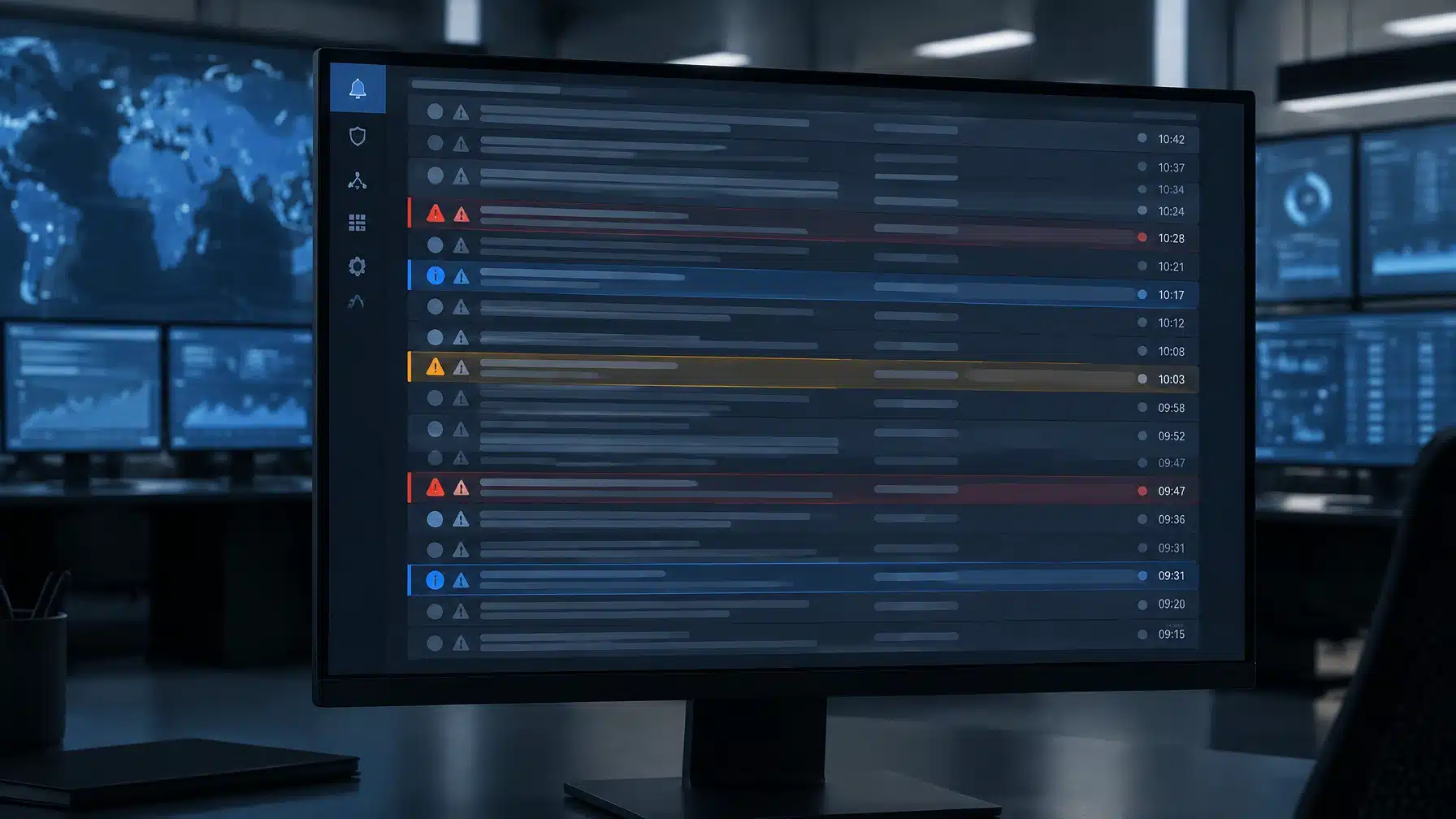
A SIEM can look clean in a demo. Then real systems start sending real data: scheduled scans, routine configuration changes, container activity, authentication failures, and application logs. By week two, analysts are asking the question that decides whether the deployment will help or hinder them: Which alerts matter enough to act on?
Wazuh provides flexible rules, severity levels, and agent grouping. But flexibility doesn’t tune itself. Without a disciplined process, recurring low-value alerts compete with genuine warnings until people stop looking closely. The goal isn’t to make the queue empty. It’s to make the important signals visible, and give every alert a sensible path to review.
START WITH THE NOISE YOU CAN MEASURE
Before changing rules, establish a baseline. Review alert volume over a representative period and sort it by rule ID, rule group, affected agent, and time. Look for the repeat offenders, then inspect samples of their underlying events.
A high count doesn’t automatically mean a rule is bad. A rule may be detecting expected activity, a control failure that needs attention, or a meaningful event that becomes suspicious only in combination with other signals. Understand the event before deciding what to do with the alert.
For each noisy rule, answer:
- What is triggering it, and on which systems?
- Is the activity expected, suspicious, or unclear?
- Does it affect a sensitive or internet-facing asset?
- Is there a reliable field or context that distinguishes benign activity from a threat?
- Should it be suppressed, lowered, enriched, or sent to a different review path?
That last decision matters. Tuning is not synonymous with suppression.
USE WAZUH’S RULE LEVELS WITH INTENT
Wazuh assigns rules severity levels from 0 to 16. Level 0 is classified as Ignored: it is intended to avoid false positives and does not appear in the security-event dashboard. Lowering a rule’s severity can also affect whether it meets your configured alert threshold.
That makes a level-0 rule useful for a specific, verified benign pattern, not for hiding an entire category of activity because it generates too many events. For example, an environment may produce a known rootcheck match for an expected path. If the event is demonstrably benign, a narrow filter for that pattern may be appropriate. Suppressing all rootcheck alerts would be a much broader decision, with a much larger blind spot.
Also verify what happens to the underlying event in your environment. A level-0 rule is not a dashboard alert; whether the raw event remains available depends on your logging, archiving, and retention configuration. Confirm the evidence you need is retained before changing how events are handled.
Wazuh’s rule classification reference explains how levels are intended to be used. For customizations, Wazuh recommends using local rules or separate files under /var/ossec/etc/rules/ rather than editing the shipped ruleset, where changes can be overwritten during an upgrade. See the custom rules guide.
SCOPE THE EXCEPTION TO THE RIGHT SYSTEMS
A security check can be important on a production server and irrelevant on a kiosk. Container activity may be routine in a CI/CD environment, while the same action on a production workload deserves investigation.
Wazuh agent groups help organize endpoints and apply different centralized agent configurations. That gives teams a way to distinguish populations (such as servers, workstations, and container hosts) instead of treating every endpoint as identical. But group membership does not automatically create a separate manager-side ruleset for each group. Scope detection logic carefully, using appropriate host, event, and environment context, and verify which agents will be affected.
The practical outcome: a known, approved scan can be handled differently on a defined server population without teaching the whole monitoring environment to ignore that event everywhere.
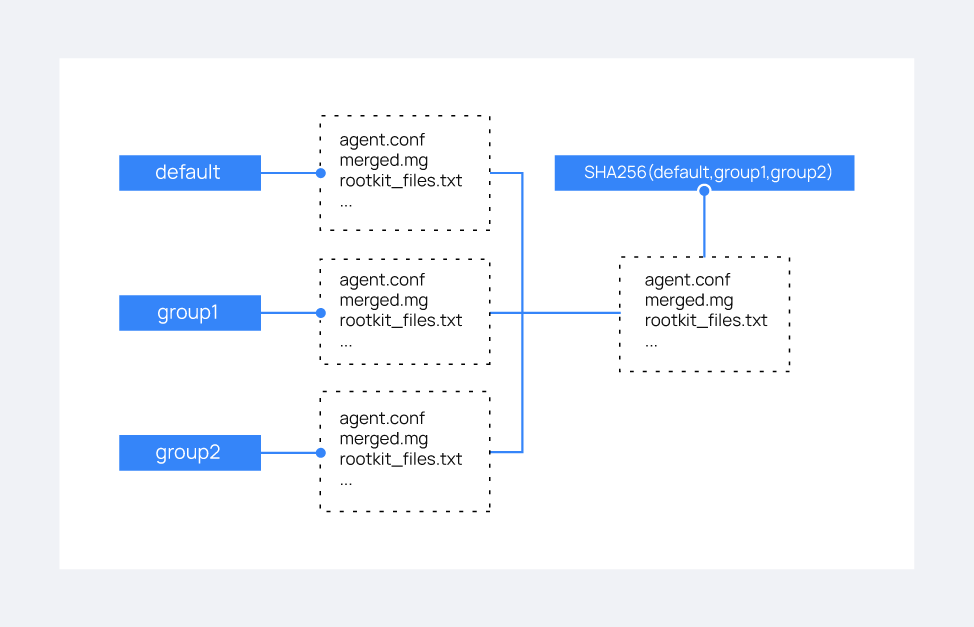
Wazuh’s agent grouping documentation explains how groups receive centralized agent configuration. Treat the group structure as a way to manage meaningful differences in your environment, not as a substitute for testing the detection rules themselves.
CHOOSE THE RIGHT FIX: SUPPRESS, LOWER, OR ADD CONTEXT
After investigation, choose the smallest change that solves the real problem.
Suppress a pattern only when it is known to be benign and reliably identifiable. A narrowly matched rule for an expected rootcheck artifact is safer than suppressing rootcheck broadly. Similarly, if an approved deployment process creates predictable container events, filter only the relevant action and context, not every event from the Docker group.
Lower severity when an event remains useful but does not deserve the same urgency as a high-confidence incident. A lower-level event can still provide investigative context or contribute to a pattern.
Enrich or route when the event matters but does not require an immediate escalation every time. Add asset, environment, user, or change-window context where available. If analysts should still see the activity, route it to an appropriate review queue, such as a daily review, rather than silencing it.
Volume is not the enemy. Unreviewed volume is. A noisy but meaningful rule with a defined review path is often better than a blanket suppression that no one remembers six months later.
TEST THE CHANGE, AND WRITE DOWN WHY IT EXISTS
A rule change is not finished when it saves. Test it against representative log samples with Wazuh’s wazuh-logtest, which shows the decoder, matched rule, severity, and groups. Test both sides of the decision: the benign event that should be suppressed or lowered, and a realistic near-match that should still alert.
Wazuh notes that saving a custom rule is sufficient to test it with wazuh-logtest; restarting the manager is required for the change to affect production alerts. Follow your normal change-management and validation procedures before deploying a change. The Wazuh testing guide covers the tool and its output.
For every tuning change, record:
- Rule and scope: the rule ID or pattern, affected hosts, and relevant groups.
- Reason: what generated the noise and why the change is justified.
- Owner: who approved it and who is responsible for review.
- Expected behavior: what should no longer alert, and what must still alert.
- Review date: when to confirm the exception remains valid.
A suppression rule nobody remembers is a detection gap nobody can see. Documentation makes exceptions auditable and gives the next analyst a reason, not just a configuration, to trust the detection.
MAKE TUNING A ROUTINE, NOT A RESCUE PROJECT
Noise changes as the business changes. New software adds new logs. Infrastructure moves. A scheduled scan is introduced. A container workload shifts from testing to production. Attackers change their behavior, too.
That is why tuning should be part of operations, not a one-time cleanup after alert fatigue sets in. Review the top rule producers regularly, check whether recent changes altered alert volume, revisit suppression owners and review dates, and test whether the detections you rely on still fire. Avoid changing global thresholds simply to quiet a handful of troublesome rules: a broad threshold adjustment can hide useful alerts across the environment.
A Wazuh deployment needs more than rules and dashboards. It needs someone to review the signals, validate what matters, and keep the detection logic aligned with the organization’s real systems.
GET SIGNALS INSTEAD OF ANOTHER QUEUE
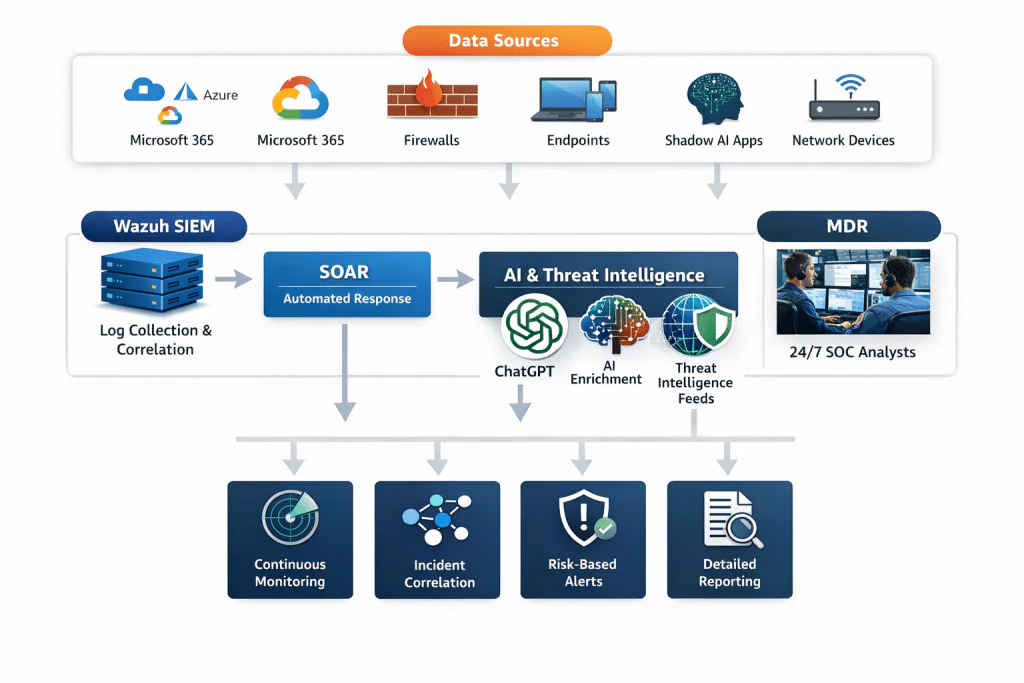
Cenova Cyber’s security monitoring combines Wazuh SIEM with automated response, enrichment, and 24/7 SOC analyst oversight. Our team works to turn raw activity into prioritized, validated incidents, so your staff can focus on decisions and business operations, not an endless queue.
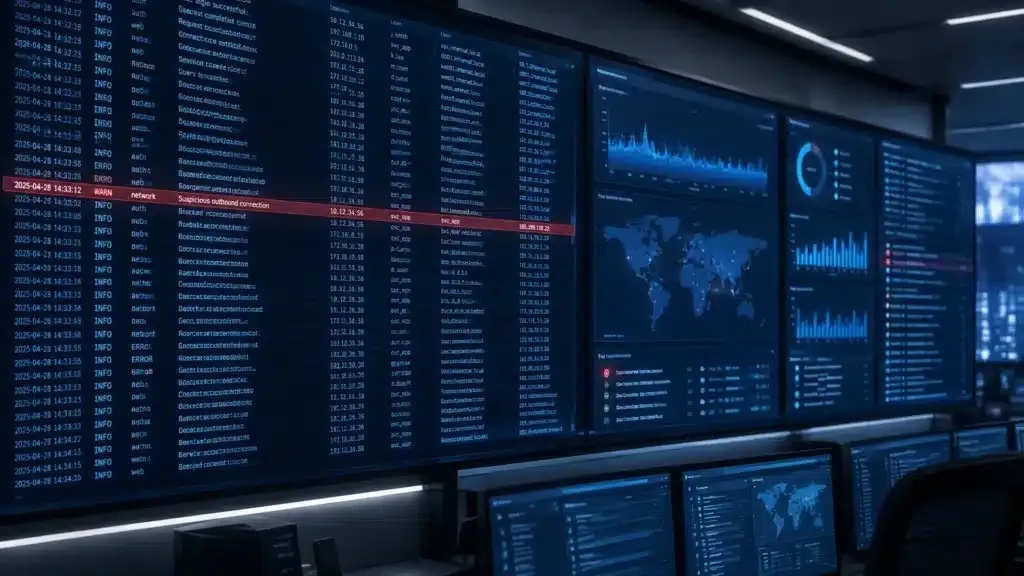
If your Wazuh deployment is producing more alerts than your team can confidently review, start with a focused assessment, not another blanket suppression. Request a free security consultation with Cenova Cyber to discuss your monitoring needs, or learn more about our security monitoring service.