
14 Days Undetected: What Attackers Do During Your Dwell Time, and How to Shrink It

An attacker inside your network is not necessarily encrypting files or triggering obvious alarms. They may be using valid credentials, quietly learning how your systems connect, and preparing their next move.
That time between compromise and detection is known as dwell time. It matters because the longer suspicious activity goes unnoticed, the more opportunity an intruder may have to expand access, collect data, and interfere with your operations.
Recent reports put dwell time in perspective, but their numbers measure different things. Understanding those differences helps leaders set realistic expectations and focus on what they can control: how quickly their organization detects, investigates, and responds to suspicious activity.
WHAT THE 2026 NUMBERS REALLY SAY
Mandiant’s M-Trends 2026 report reports a 14-day global median dwell time. The figure is based on Mandiant’s investigations of targeted attacks during 2025. In this context, dwell time measures how long an attacker remained in a compromised environment before detection.
IBM’s 2026 Cost of a Data Breach report reports an average of 183 days to identify a breach and 64 days to contain it. IBM’s study draws on breach reports and interviews with organizations, and measures the mean time from occurrence to identification and containment.
Those figures are not interchangeable. Mandiant reports a median based on incidents investigated by its response teams; IBM reports averages from a different breach population, using different definitions and endpoints. Neither is a universal clock for every business or a direct contradiction of the other.
Ransomware timing also needs careful context. In its 2026 report, Mandiant gives a nine-day median dwell time for ransomware among its investigated cases. Separately, Secureworks reported that ransomware deployment occurred in under 24 hours in more than half of its engagements in an earlier dataset; its subsequent report put the median at 28 hours. These findings come from different years and incident populations. They show why organizations must prepare for attacks that move in hours, not that every ransomware incident follows the same timeline.
The practical message is clear: a long detection delay creates exposure, while a fast-moving attack may leave very little time to act.
WHAT CAN HAPPEN WHILE AN ATTACKER WAITS
Dwell time is not simply a number on a report. It is a period in which an intruder may test what they can reach and decide how to achieve their objective.
Depending on the attack, that activity can include:
- Harvesting credentials or abusing accounts that already have legitimate access.
- Moving between systems to find sensitive files, business applications, or privileged accounts.
- Changing permissions to expand access or make it harder to remove them.
- Mapping backups and recovery systems before attempting to disrupt them.
- Staging or exfiltrating data ahead of a public leak, extortion demand, or other impact.
Not every attacker does all of these things, and not every alert indicates a breach. The challenge is to identify a pattern early enough for trained responders to verify what is happening and take appropriate action.
SHRINK THE WINDOW, NOT JUST THE ALERT QUEUE
Reducing dwell time takes more than installing a tool that flags suspicious activity. It requires coverage, context, and a response process that works when the warning arrives.
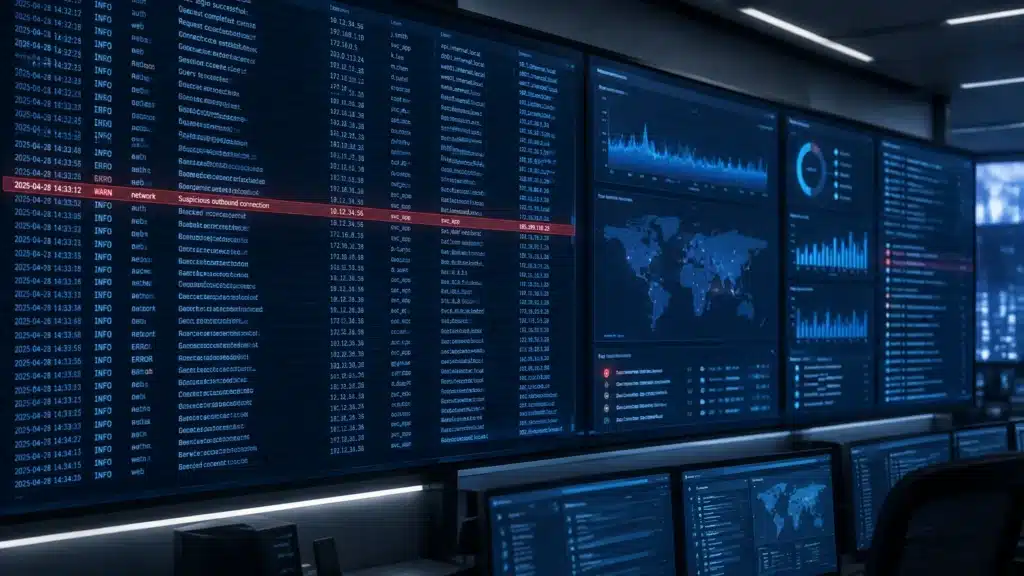
Monitor continuously, including nights and weekends. A security alert that appears at 2 a.m. is not useful if it waits in an inbox until the workday begins. Attackers can take advantage of gaps in coverage, and some may choose off-hours when a small IT team is less likely to be available. Monitoring and escalation should account for those periods, not just the hours when the office is staffed.
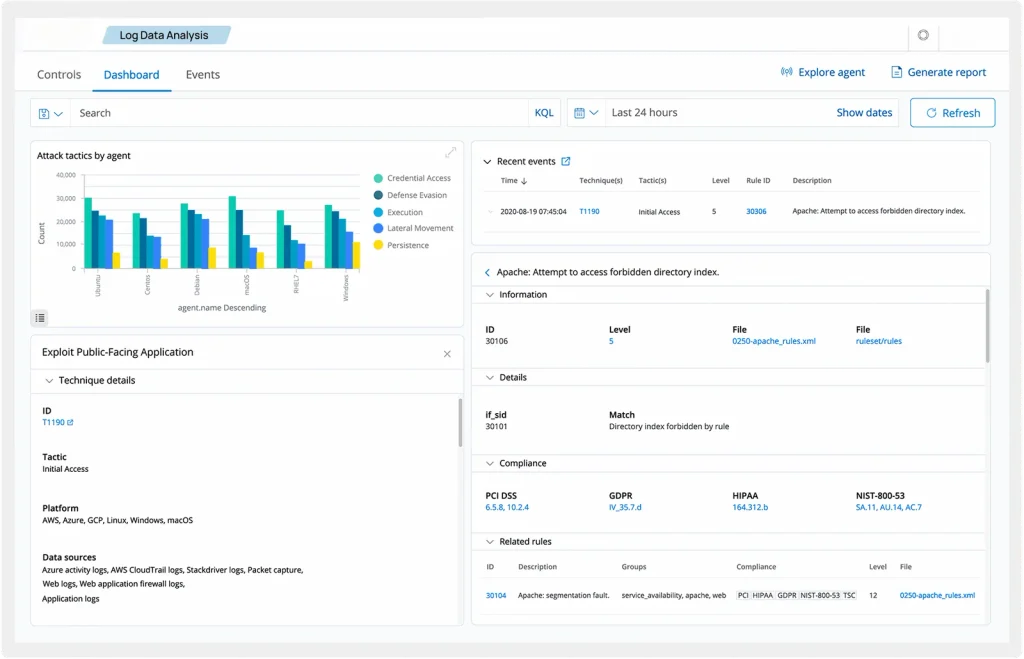
Look for behavior, not only known signatures. Signature-based tools can identify known threats, but attackers may use valid accounts, approved software, or ordinary administrative tools. Behavioral detection looks for activity that is unusual in context, for example, a user accessing systems they do not normally use, an unexpected permission change, or a sequence of actions that suggests an account may be compromised.
Watch the quiet stages of an intrusion. Encryption and defacement are visible, but they are late-stage signals. Monitoring should also help surface suspicious reconnaissance, unusual access to backups, changes to privileges, and activity across identity, endpoint, cloud, and network environments. The goal is to connect events into a picture an analyst can investigate.
Define who acts, and how. Decide in advance who receives a high-priority alert, who can authorize containment, how affected users or systems are isolated, and how leadership is informed. If every action waits on an unclear approval chain, valuable response time can disappear.
FROM RAW LOGS TO A DECISION
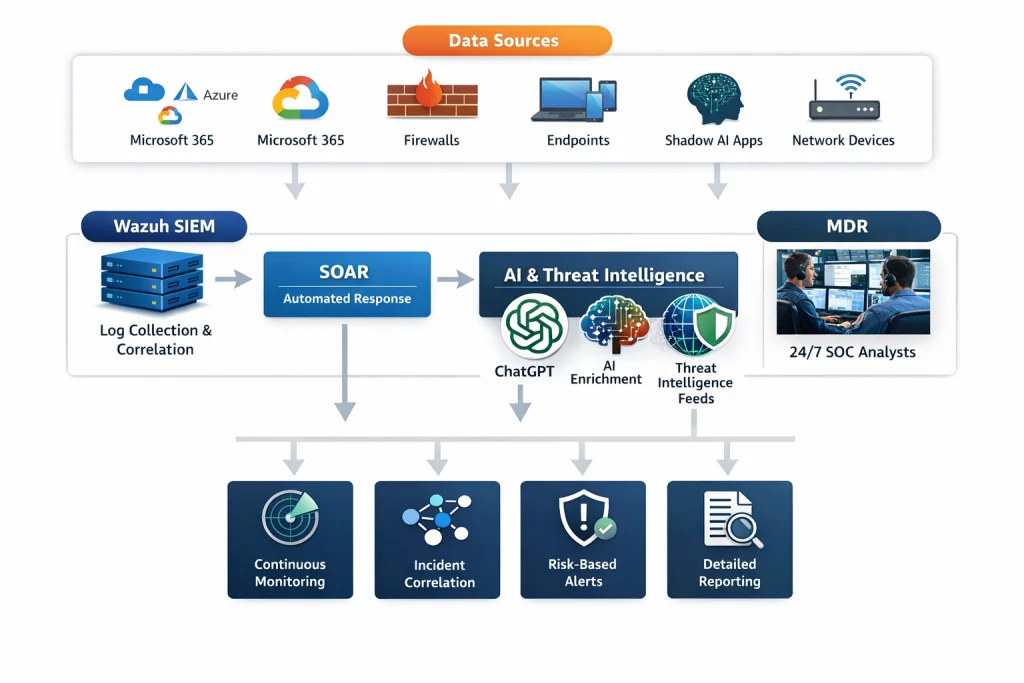
Security tools generate large volumes of activity. The operational question is whether someone can distinguish a meaningful incident from routine noise, establish business impact, and move the issue to the right people.
Cenova Cyber’s 24/7 security monitoring combines telemetry collection, alert enrichment, prioritization, and analyst investigation. Its Managed Detection and Response service adds continuous monitoring, threat hunting, and response capabilities designed to help contain confirmed threats.
For an organization without an in-house security operations center, this model provides access to monitoring and response expertise without asking an already busy IT team to watch alerts around the clock. For companies with internal IT staff, it can extend their coverage and provide security-focused support.
QUESTIONS TO ASK ABOUT YOUR DETECTION WINDOW
A useful assessment should reveal where the process works, and where an attacker might have time to move unnoticed. Ask:
- Are critical systems and identities monitored 24/7? Include endpoints, cloud services, email, network devices, and privileged accounts.
- Who investigates alerts outside business hours? Confirm that after-hours coverage includes an escalation path and clear responsibilities.
- Can your tools detect suspicious use of legitimate credentials? Review the behavioral signals you collect and how they are evaluated.
- What happens after an alert is validated? Establish who can isolate a device, disable an account, or take another containment step.
- Can you see activity around backups and permissions? These systems can be critical to recovery and can attract attacker attention.
- How do you measure response performance? Track time to acknowledge, investigate, escalate, and contain, not just the number of alerts generated.
The purpose is not to promise that every intrusion will be found within a fixed number of minutes or days. It is to identify avoidable delays and build a process that gives your team a better chance to act before an incident escalates.
REDUCE THE TIME BETWEEN WARNING AND ACTION
Dwell time is shaped by what your organization can see, who is watching, and how quickly a validated threat reaches someone empowered to respond. Business-hours-only alerting, disconnected logs, and unclear ownership can leave gaps. Continuous monitoring, behavioral analysis, and a tested escalation process help close them.
Request a free security monitoring assessment from Cenova Cyber. We’ll help you review your current monitoring coverage, after-hours response path, and opportunities to reduce detection and containment delays.
Schedule your free security assessment or learn more about Cenova Cyber’s security monitoring.