
94% of Ransomware Attacks Target Your Backups: The Immutability Question Every Board Should Be Asking

Most organizations can answer one backup question quickly:
“Do we have backups?”
That is no longer enough.
The board-level question is more demanding: Can an attacker delete, encrypt, or alter our backups, and have we successfully restored critical operations from them?
Ransomware operators understand that production systems are only one part of the recovery equation. If they can compromise the backups, they can remove the organization’s safest path back to normal operations.
Sophos reported that attackers attempted to compromise backups in 94% of ransomware incidents in its backup-impact research. When backups were compromised, median recovery costs reached $3 million, compared with $375,000 when backups remained intact.
That is an eightfold difference.
RANSOMWARE RESILIENCE STARTS WITH RECOVERABILITY
The latest Sophos State of Ransomware 2026 data reinforces the business impact:
- 56% of ransomware attacks successfully encrypted data.
- 66% of organizations with encrypted data recovered using backups.
- Average recovery costs reached approximately $1.7 million, excluding ransom payments.
These figures show two realities at once.
First, backups remain one of the most important recovery tools available. Second, simply owning a backup system does not guarantee recovery. Backups must be protected from the same attack that compromises production systems.
IBM’s reported average ransomware incident cost of $5.08 million includes broader effects such as downtime, investigation, remediation, legal work, and business disruption. The financial exposure extends well beyond the ransom demand.
For leadership teams, the conclusion is direct:
> Backup availability is not the same as backup resilience.
THE IMMUTABILITY QUESTION
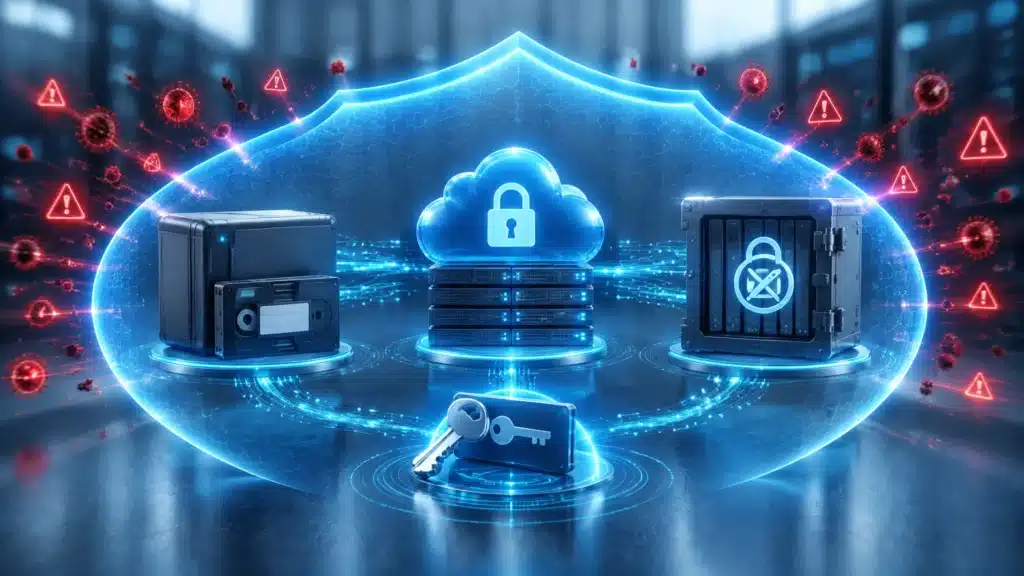
An immutable backup cannot be changed, deleted, or encrypted during a defined retention period, even by an administrator with access to the backup environment.
That distinction matters because ransomware operators frequently pursue privileged accounts, management consoles, cloud storage, and backup infrastructure after gaining access to the network.
A backup is not truly resilient if an attacker can:
- Delete backup snapshots
- Encrypt the backup repository
- Modify retention policies
- Disable backup jobs
- Steal administrative credentials
- Corrupt recovery points
- Gain access to the same credentials used for production systems
Immutability creates a protected recovery layer. It does not replace monitoring, access controls, or incident response. It strengthens them by ensuring that a clean recovery point remains available when production systems are under attack.
IMMUTABLE BACKUPS MAY USE:
- Offline storage: Backup copies are disconnected from the network and inaccessible to attackers during normal operations.
- Air-gapped storage: The backup environment is logically or physically isolated from production infrastructure.
- WORM storage: “Write once, read many” technology prevents data from being altered or deleted during its retention period.
- Object lock or retention lock: Cloud-based controls prevent unauthorized modification or deletion.
- Separate backup infrastructure: Backup systems use distinct administrative boundaries rather than sharing the same identity plane as production systems.
The right approach depends on business requirements, technology, compliance obligations, and recovery objectives. The principle remains consistent: attackers should not be able to reach every copy of your data with one compromised account.
TESTED RESTORES BEAT THEORETICAL RECOVERY
A successful backup job only proves that data was copied.
It does not prove that the data can be restored completely, quickly, or in the correct order.
Recovery testing identifies the problems that remain hidden until a crisis:
- A database backup exists but cannot be opened.
- A critical application depends on undocumented services.
- Encryption keys are unavailable.
- Backup credentials have expired.
- Recovery procedures rely on one employee.
- Restoring systems takes days longer than leadership expects.
- The backup contains corrupted or incomplete data.
Your organization should regularly perform controlled restoration tests. These tests should include representative systems, not only a small file or isolated workstation.
Document the results. Record the actual recovery time. Identify dependencies. Update procedures based on what the test reveals.

CONNECT BACKUPS TO BUSINESS IMPACT
Backup strategy should not begin with storage capacity. It should begin with business impact.
Two measurements help translate technical recovery into operational priorities:
RECOVERY POINT OBJECTIVE: RPO
The RPO defines how much data the organization can afford to lose.
For example, an RPO of four hours means the business must be able to recover with no more than four hours of data loss. A financial system, patient record platform, or production environment may require a more aggressive target.
RECOVERY TIME OBJECTIVE: RTO
The RTO defines how quickly a system must be restored after an outage or ransomware incident.
An organization may be able to tolerate a few hours without email but only a few minutes without a manufacturing, clinical, payment, or customer-facing system.
These objectives should be set with business leaders, not technology teams alone. The right recovery sequence is determined by operational impact.
Ask:
- Which systems must return first?
- How long can each system remain unavailable?
- How much recent data can the business afford to lose?
- Which third-party services or credentials are required for recovery?
- Who has authority to declare an incident and approve restoration?
THE BOARD-LEVEL BACKUP RESILIENCE CHECKLIST
Use this checklist to move the conversation from “we have backups” to “we can recover.”
PROTECTION
- Are critical systems backed up according to documented schedules?
- Are backup copies encrypted in transit and at rest?
- Are at least some backups offline, air-gapped, or protected with WORM/object lock controls?
- Are backup systems separated from production identity and administrative credentials?
- Are backup management interfaces protected with multifactor authentication?
- Can an attacker with domain administrator privileges delete every backup?
VISIBILITY
- Does someone monitor failed or suspicious backup activity?
- Are unexpected deletions, retention changes, and mass encryption events alerted?
- Are backup logs retained outside the backup environment?
- Can security analysts identify who accessed or changed recovery points?
- Are backup systems included in your security monitoring program?
RECOVERY
- Have you restored critical systems in a controlled test?
- Are recovery procedures documented and accessible during an outage?
- Are restoration dependencies and sequencing documented?
- Are RTO and RPO targets approved by business leadership?
- Can the organization restore without relying on one individual?
- Are clean recovery points validated before they are used?
READINESS
- Does the incident response plan include ransomware-specific actions?
- Do stakeholders know who makes recovery decisions?
- Has the organization practiced communications with employees, customers, insurers, regulators, and law enforcement?
- Are cyber insurance requirements reflected in backup and recovery controls?
- Are lessons from every recovery test tracked to completion?
DETECTION AND RECOVERY MUST WORK TOGETHER
Immutable backups are critical, but they are not a standalone ransomware defense.
The longer an attacker remains inside the environment, the more opportunity they have to steal credentials, disable protections, identify backup infrastructure, and prepare a coordinated attack.
That is why backup resilience should operate alongside continuous monitoring and rapid response.
Cenova Cyber’s Managed Detection and Response service provides 24/7 SOC monitoring, proactive threat hunting, behavioral analytics, and incident containment. When a confirmed threat appears, our analysts can help isolate affected systems and limit the attacker’s ability to spread.
Our Managed Cybersecurity services also support encrypted backups, server recovery, retention planning, geographically distributed storage, compliance reporting, and risk-based security management.
The objective is not simply to preserve data. It is to help your organization detect the attack, contain the damage, and restore business operations with confidence.

ASK THE QUESTION BEFORE THE ATTACK
Every board should ask management:
> If ransomware compromised our production environment tonight, could an attacker also delete or encrypt our backups, and how long would recovery actually take?
The answer should be supported by evidence:
- Recent backup reports
- Immutable storage configuration
- Access control records
- Restore-test results
- Documented RTO and RPO targets
- Incident response procedures
- Clear executive ownership
If the answer depends on assumptions, recovery is not yet a strategy.
Schedule a security assessment with Cenova Cyber to evaluate your backup protection, recovery readiness, monitoring coverage, and ransomware response capabilities. Our team will help identify the gaps that matter most, so your organization can protect critical operations, meet recovery expectations, and keep moving when attackers attempt to take your systems offline.
Contact Cenova Cyber for a security assessment